

Cube Land Puzzle Game Walkthrough
Pick a color. Open a layer. Clear the sculpture.
Independent fan-made guides. Not affiliated with the game developer.
Browse levels
Recently updated
Game screenshots
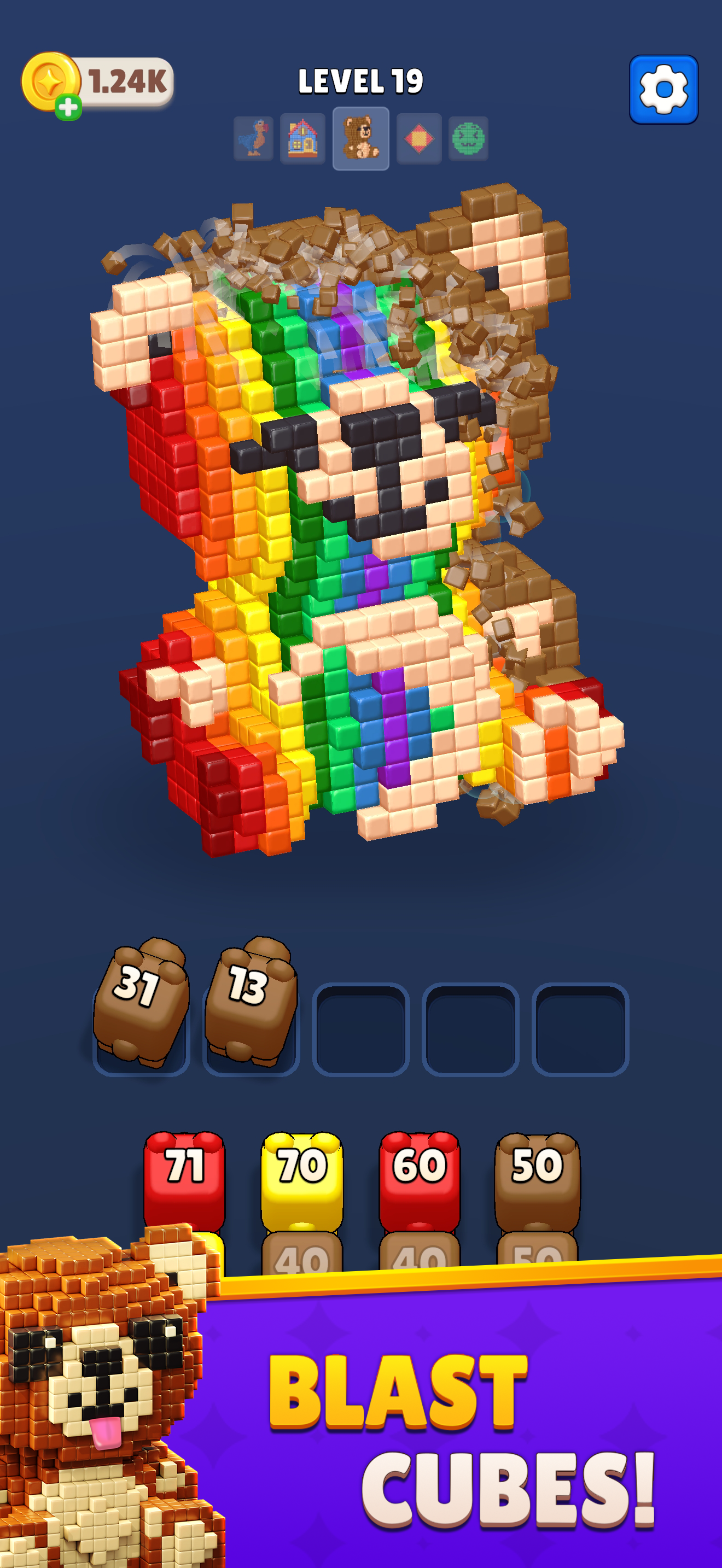
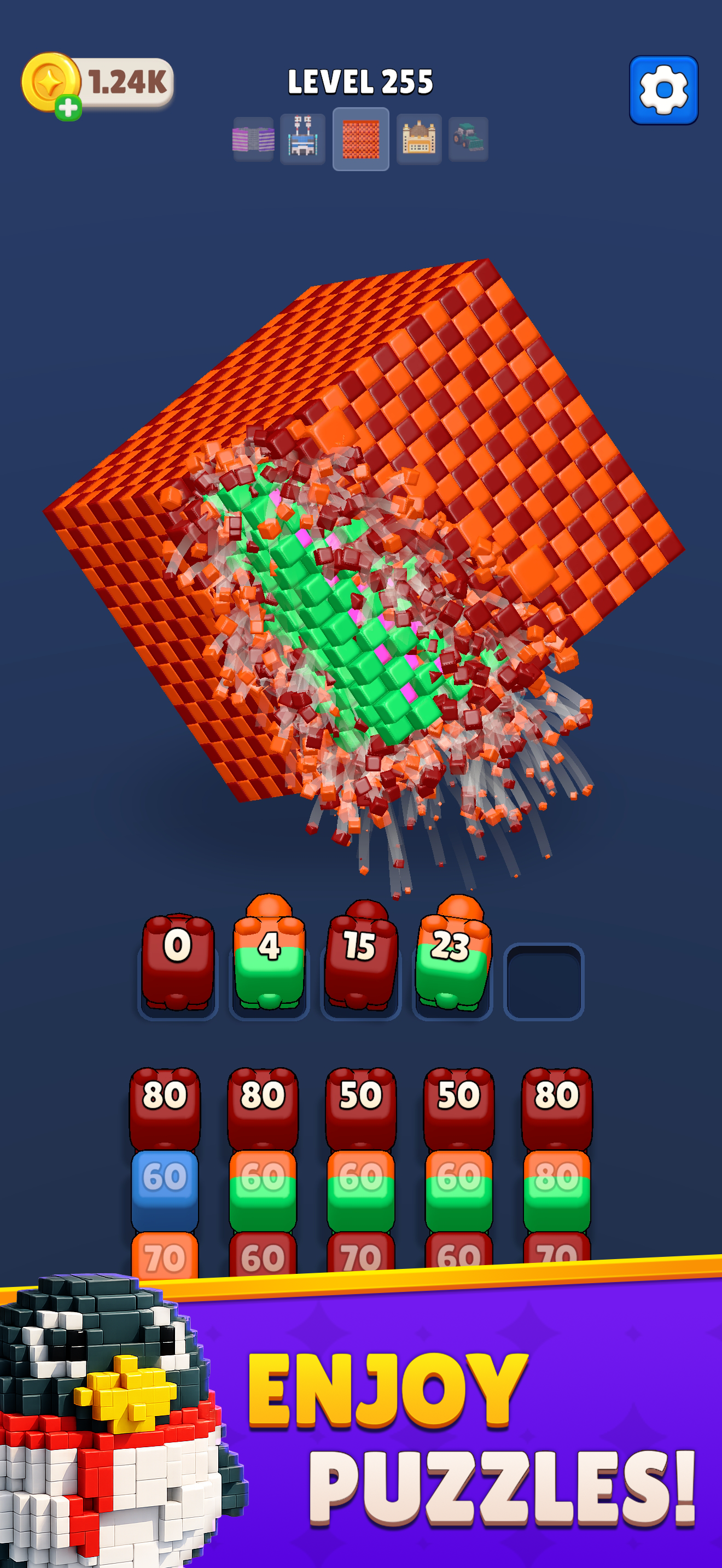
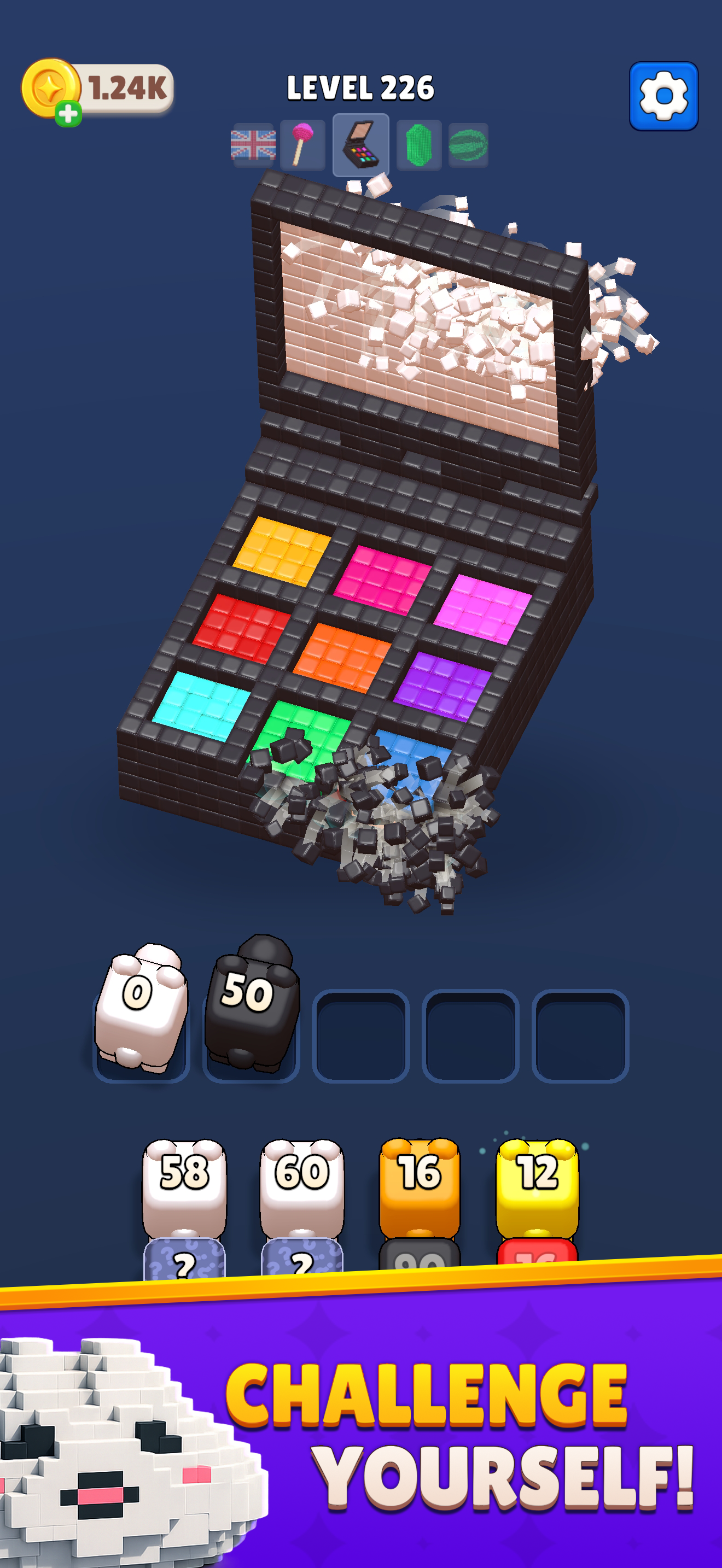
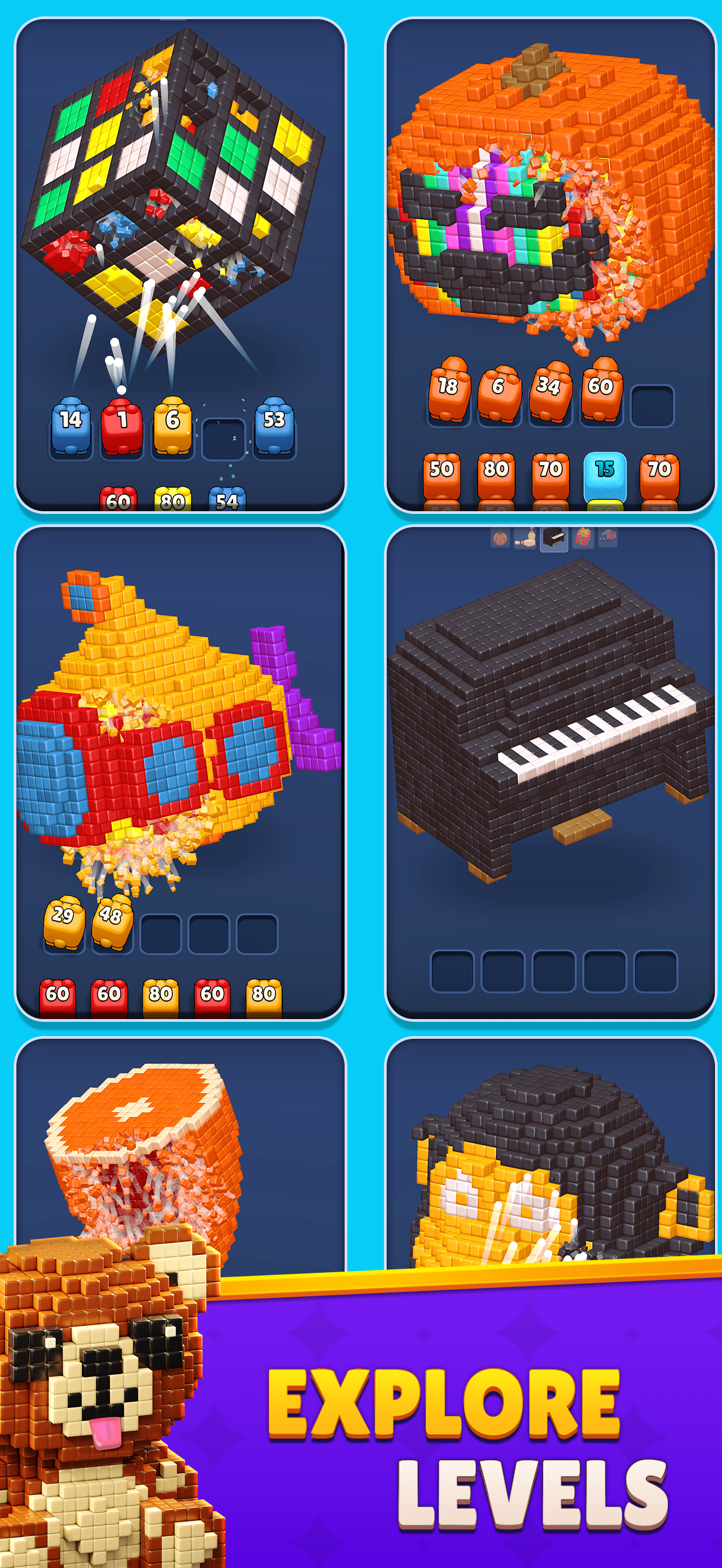
About the game
Cube Land Puzzle Game is a 3D voxel color puzzle by Rotatelab. Match color blasters to exposed blocks and plan which layer to open next.
Browse 800 numbered video walkthroughs. Compare the sculpture and available colors before following the recording.
- Publisher
- Rotatelab Yazilim ve Bilisim A.S.
- Platform
- Android, iPhone, iPad
- Guide coverage
- 800 levels
- Last updated
- Game store
- App Store
 Google Play
Cube Land Puzzle Game turns a colorful voxel sculpture into a planning puzzle: select a blaster that matches exposed cubes, clear part of the structure, and reconsider the colors revealed underneath. Use the numbered walkthroughs to compare your board with a recording before following its sequence.
A small sculpture, a sequence of decisions
Cube Land Puzzle Game is a 3D color-matching puzzle from Rotatelab Yazilim ve Bilisim A.S., listed as Rotatelab on the App Store. Its structures are built from small voxel blocks, so a board can resemble a familiar object while still hiding a more complicated arrangement of colors inside. The central decision is the order in which you use the available color blasters. Clearing an outer patch changes what you can reach next; the most prominent color is not automatically the best first choice.
The game has listings for Android, iPhone and iPad. The App Store describes hundreds of handcrafted puzzles, but that description does not establish a fixed final level number. The numbered entries here describe the walkthroughs available on this guide, rather than a claim about the total size of the game. Follow the store link for current device requirements and purchase information.
How a turn changes the board
Look at the available blaster colors and the exposed blocks before tapping. The aim is to remove the cube structure through color matches. Watch which part of the sculpture disappears after each selection and which colors become visible in the newly opened area. A useful turn often does more than remove blocks: it creates access for a color that would otherwise have few targets.
The official descriptions emphasize simple tap controls and no time pressure. Take advantage of that pace. You can stop between decisions to inspect the next choice instead of making several selections from memory. A video is most useful when you understand the change caused by one move and can recognize that same change on your own board.
Read shape and color together
A broad outer wall and a thin stripe may use the same color but offer different opportunities. Think about the position of a patch as well as its size. Clearing a strip near an opening can reveal a useful inner layer, while clearing another visible patch may leave the next available blaster with little to do. Compare the whole structure after a change rather than staring only at the last place that broke apart.
The bright toy-like models make a helpful visual reference when choosing a walkthrough. Check the silhouette, the largest color regions and the available blasters at the start. Two recordings with the same number can belong to different game versions. A matching starting board is more useful than a familiar number attached to a different arrangement.
Use walkthroughs in short checkpoints
Enter a level number in the jump box, or open a range of fifty levels and select the board you need. The video cover stays lightweight until you press play. Each recording remains on YouTube and is credited to its channel. You can also open it directly on YouTube to adjust playback speed or move through a longer sequence.
Watch the next meaningful choice, pause, and make that move in your game. Then compare the remaining sculpture before continuing. If your board has already diverged, return to the first different color choice rather than copying later taps. Later actions depend on the blocks removed earlier, so a correct move in the recording can be unhelpful on a board that has developed differently.
Plan before spending on help
The store listings include in-app purchases. Offers and optional assistance can vary by platform and version, so read the description and price shown in your own game before confirming anything. This guide does not require a purchase, modified game or extra download. A recording may show a player using assistance; watch for that action before treating the remaining sequence as a route you can reproduce with your current resources.
Before using a limited item, identify the exact problem you want it to solve. You might need access to an inner color, a different order of available choices, or simply a fresh attempt after an early mistake. If the effect of a button is unclear, consult the game’s own explanation. Buying help without understanding the current blockage makes it harder to learn from the attempt.
A calm pace for harder layouts
A larger sculpture asks you to remember more of the color arrangement, but speed is not the goal. Break the task into local decisions: which match is useful now, what will it uncover, and which available color benefits from that opening? Reassess after a layer breaks away. The official store presentation describes a gradual increase in challenge; a level number alone does not explain which feature will be difficult for you.
If a board keeps defeating you, take a brief pause and compare an earlier checkpoint in the video. You may discover that the difficulty began before the final blocked position. Avoid spending repeated attempts on the same opening without changing the decision that creates the problem.
Offline play and connection problems
Rotatelab advertises offline play. The videos on this website still need an internet connection, and online services such as advertising or purchases can depend on connectivity. A game working offline and a walkthrough failing to load are separate issues. If a video does not start, try its YouTube link and check whether your browser or network blocks the player.
For crashes or lost progress, preserve your current installation and any information shown about the game version or account. Restarting the app or device is less disruptive than deleting application data. Reinstallation can remove local progress, so seek guidance from the developer before taking that step if your save matters. The contact options in the app’s store listing are the appropriate route for account and payment problems.
Frequently asked questions
What is the goal of Cube Land Puzzle Game?
Use matching color blasters to remove the voxel blocks and clear the 3D structure. Think about which colors a move exposes for the choices that follow.
Is Cube Land Puzzle Game timed?
The official descriptions present it as a relaxing puzzle without time pressure. Inspect the structure between selections instead of rushing through the available colors.
Can I play Cube Land Puzzle Game online in this browser?
This site provides walkthroughs. To play the game, use its official Android or Apple store listing; the pages here do not contain a browser version.
Where should I get the APK?
Use the Google Play listing linked from the game information. This guide does not host APK files, modified builds or cheat downloads.
Why does the video show a different board?
Updates can change a layout at the same level number. Compare the opening sculpture, color areas and available blasters before following a recording.
Can the game work without Wi-Fi?
The developer advertises offline play. You still need a connection to watch YouTube walkthroughs and to use any services that require the internet.
Does the guide offer a mod or unlimited coins?
No. These pages explain ordinary play and link to YouTube recordings. They do not offer modified games, currency tools or account services.
What should I check before using an item?
Read the item description in your version and identify the blockage you want to fix. Watch whether the walkthrough uses the same assistance before copying its later moves.